
Weddings
- Date availability
- Ceremony and reception spaces
- Guest capacity
- Catering
- Preparation suites
- Wedding packages
- Tour scheduling
AI Agent for Events & Venues
Help planners find available dates, choose the right space, understand packages and policies, and schedule a venue tour in one conversation.
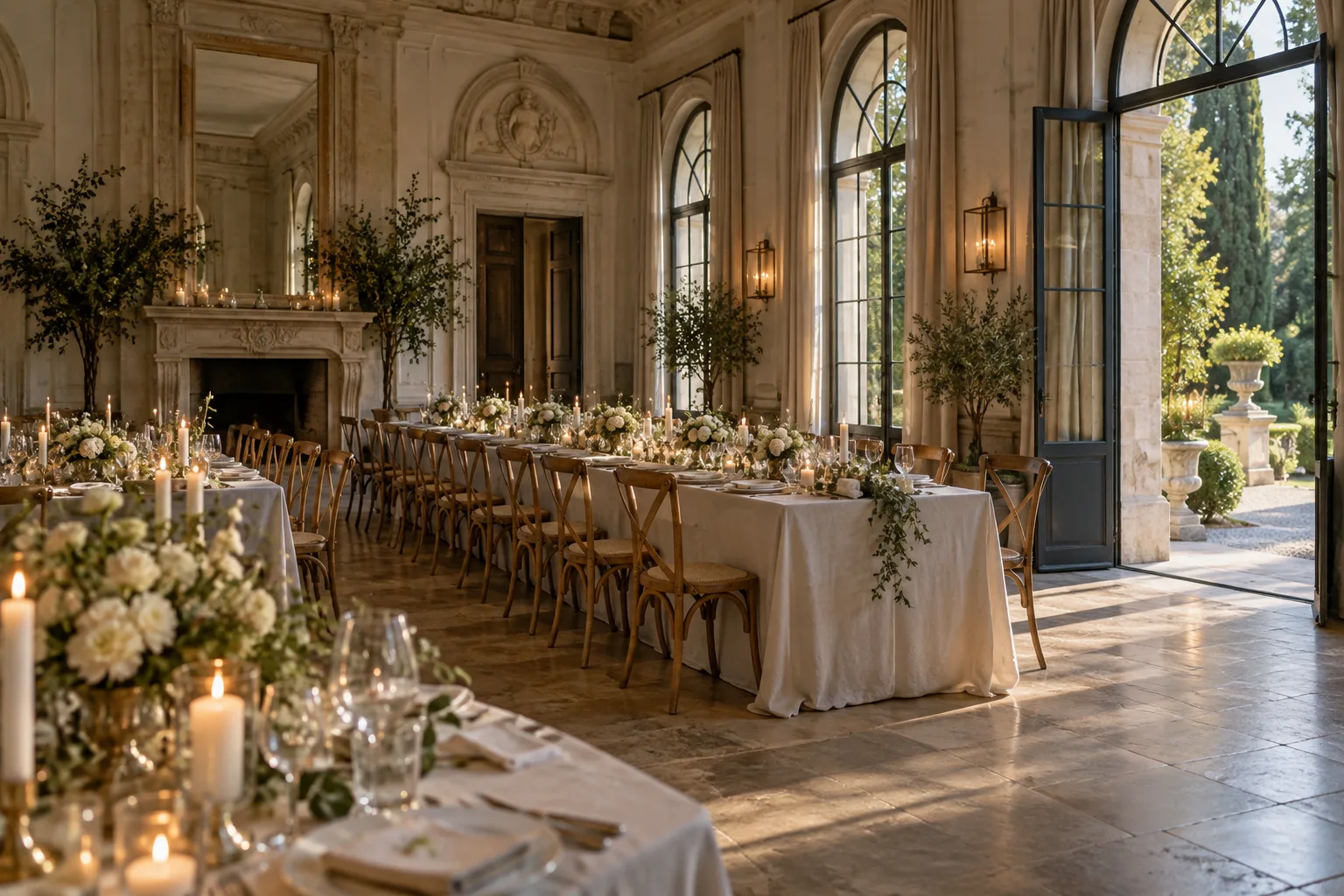
A venue inquiry rarely depends on one answer. Date, capacity, space, package details, and the next available tour all shape whether the event can move forward.
Planners should not have to open every venue page or compare floor plans on their own.
Use event type, guest count, layout, indoor or outdoor preferences, and amenities to surface the spaces that match their requirements.

01“Which space works for 80 people?”
02“Do you have an outdoor ceremony area?”
03“Can we host dinner and dancing in the same room?”
04“Which room works best for a corporate dinner?”
05“Do you have a smaller space for a private event?”
06“Can the ceremony and reception happen on site?”
A planner may love the venue, but the conversation only moves forward if the right date and space are available.
“Is June 20 available?”
“Do you have any Fridays in October?”
“Which weekends are open for 200 guests?”
“Is the ballroom available in the afternoon?”
When live availability is connected, return current dates, spaces, or time windows directly in the conversation.
If a date needs manual confirmation, collect the event type, guest count, preferred space, and timing first so the venue team can respond with context already in hand.
Capacity is only one part of the decision. Layout, ceremony options, AV, access, outdoor areas, and setup can change which space is the better fit.
PlannerWhat’s the difference between the Grand Hall and the Garden Room?
The Grand Hall accommodates up to 220 guests and includes a larger dance floor and stage area.
The Garden Room accommodates up to 120 guests and opens directly onto the terrace.
For 150 guests, the Grand Hall fits the published capacity.
Catering, vendors, setup rules, deposits, and event hours can matter as much as the room itself.
Give planners clear, consistent answers early so they can understand whether the venue fits their event and arrive at the next conversation better informed.
When a space looks promising, keep the next step simple. Show real available times and schedule the visit without sending the planner through another form.
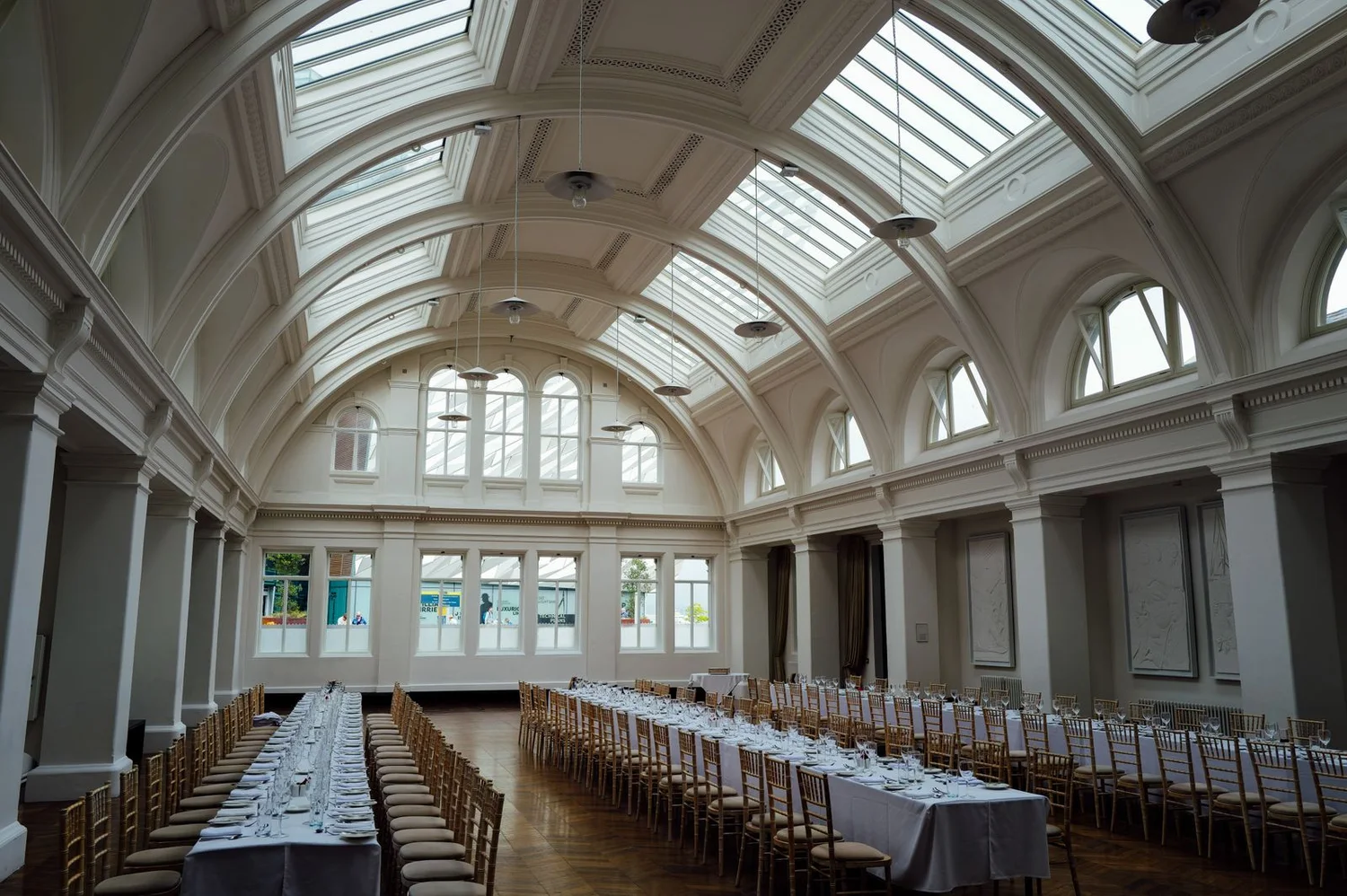
PlannerThe Garden Room looks interesting. Can we see it next week?
I have:
Which works best?
PlannerSaturday.
AI agentYou’re scheduled for Saturday at 11:00 AM.
Collect the core event details during the conversation so staff do not have to restart from the beginning.
Event type, date, guest count, space preference, catering needs, budget range, and tour preference can already be attached to the inquiry.
Each event type has different priorities. Let the conversation focus on the details, spaces, and next steps that are relevant to that booking.
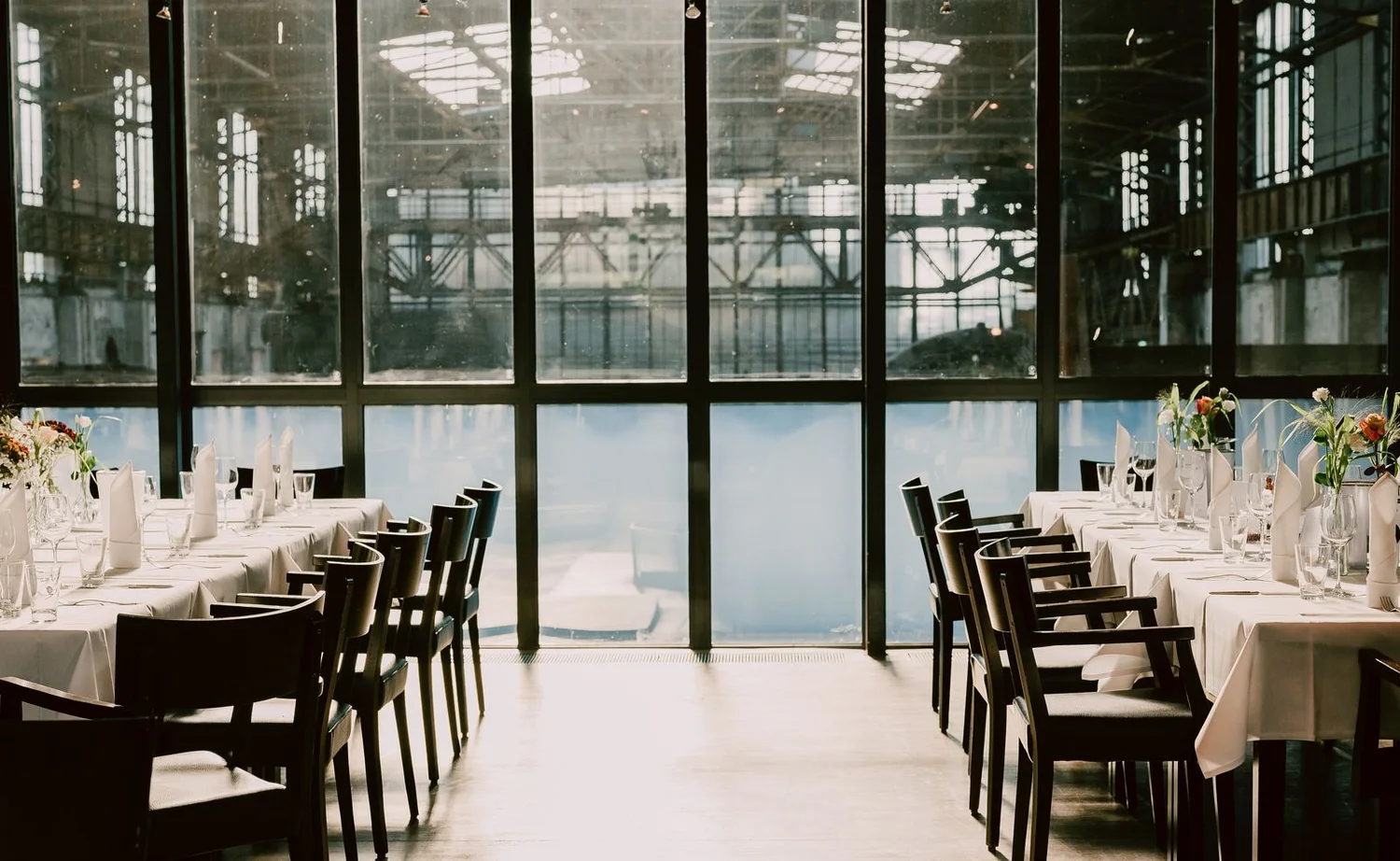
Each path can focus on the details that matter for that event instead of forcing every planner through the same conversation.
Availability, space comparison, tour scheduling, package questions, and custom requests should not all follow the same path.
Route once at the start or continue routing as the conversation changes.
Combine space details, packages, policies, photos, pricing, calendars, and scheduling information so the answer can match the question instead of sending planners to search across separate pages.
The conversation can use the source that best fits the question without requiring the planner to know where that information lives.
Clients planning from another city or country should be able to ask the same practical questions in the language they prefer.
Use the same venue, policy, package, and availability information while continuing the conversation in supported languages.
Hand off custom pricing, unusual requirements, contracts, approvals, or anything that needs a staff decision while preserving the context already collected.
The conversation follows the handoff, so the team receives the context already collected.
Help visitors compare spaces, check details, and move toward a tour while they are already exploring the venue.
Continue venue inquiries, answer follow-up questions, schedule visits, and connect planners with the right team.
Create a focused experience for weddings, corporate events, a specific venue, or a seasonal campaign.
Bring the same conversational experience into an existing booking flow, venue portal, or event-management product.
Surface open dates, spaces, and time windows when current availability is connected.
Match event type, guest count, layout, and amenities to the most relevant spaces.
Explain the practical differences between rooms, packages, and setups.
Answer questions about catering, vendors, deposits, setup, and event rules.
Move directly from interest into an available venue visit.
Collect the event details that make a lead useful to sales.
Send availability, sales, scheduling, policy, and custom requests down the right path.
Use the same venue information in supported languages.
Bring the event team into conversations that need a person.
Dates, capacity, amenities, policies, and tour scheduling can be handled while the planner is actively exploring the venue.
When staff step in, they can focus on the event itself, tailored proposals, and the details that require their experience instead of repeating information already available online.
Questions from venue teams
Yes. When a current availability source is connected, the agent can use it to answer date and space availability questions. Otherwise, it can work from the availability information provided to it.
Yes. Event type, guest count, layout, amenities, setting, and other venue attributes can be used to narrow the available options.
Yes. Tours, calls, and other appointments can be scheduled directly through the conversation using available times.
Yes. Approved information about catering, vendors, setup, deposits, cancellation rules, parking, accessibility, and other venue policies can be used in the conversation.
Yes. Different event types can use separate questions, knowledge, workflows, and next steps.
Yes. Human handoff can bring the events or sales team in when an inquiry needs custom pricing, contract discussion, manual confirmation, or another person-led step.
Yes. The same approved venue, event, package, and policy information can support conversations in multiple languages.
Connect the venue information you already have, then let planners check dates, explore spaces, understand policies, schedule tours, and reach the right member of your team without starting over at each step.
← All industries