
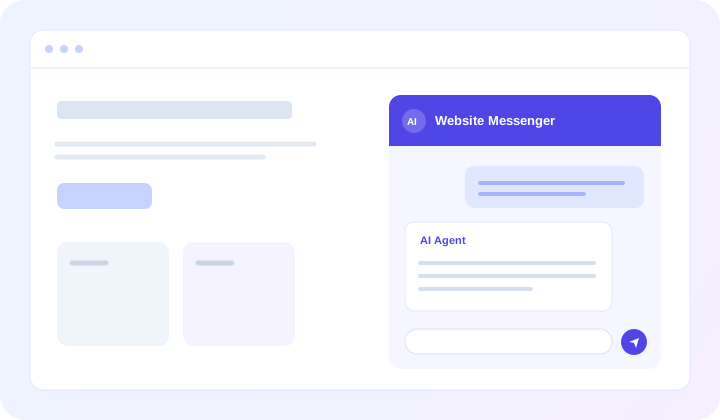
Website Messenger
A compact chat experience built into your website. Well suited to visitor questions, service conversations, and guided interactions.
Explore Website Messenger →CHAT PORTAL
Give employees a dedicated space to find information, explore company documents, build summaries, and get detailed answers from AI agents configured around your organization's knowledge and workflows.
What changed in the new employee onboarding procedure? Summarize the key differences for team managers.
Here are the main changes described in the onboarding materials available to me:
For managers: Confirm the start-date checklist, arrange the orientation walkthrough, and complete the first-week review. I can expand any step or turn this into a manager checklist.
INTERNAL KNOWLEDGE
A policy may live in a PDF. A procedure may be buried in a handbook. Product information may sit across several documents. Employees shouldn't need to know where every file is stored before they can ask a useful question.
Connect the appropriate knowledge to an AskHandle AI agent and let employees ask in everyday language. The agent can use the information made available to it to answer questions, explain procedures, and help people locate what matters.
BEYOND QUICK ANSWERS
Some work calls for more than a short reply. An employee might need a structured summary, a comparison of policies, a first draft of a report, or a step-by-step explanation assembled from available information.
Chat Portal gives these longer exchanges room to unfold. Employees can refine the request, ask follow-up questions, and work toward content they can review and use.
Internal operations briefing
EmployeePrepare a short briefing for our regional managers based on the updated service standards. Include the main changes, actions required, and open questions.
FULL-PAGE EXPERIENCE
Website Messenger and WhatsApp are useful when conversations need to fit naturally into a customer's existing channel. Internal work can require a different rhythm: longer questions, detailed explanations, organized findings, and several rounds of follow-up.
Chat Portal opens as a dedicated chat page. The larger workspace makes it easier to read substantial responses and stay with a topic, without squeezing the conversation into a small website widget.
A compact chat experience built into your website. Well suited to visitor questions, service conversations, and guided interactions.
Explore Website Messenger →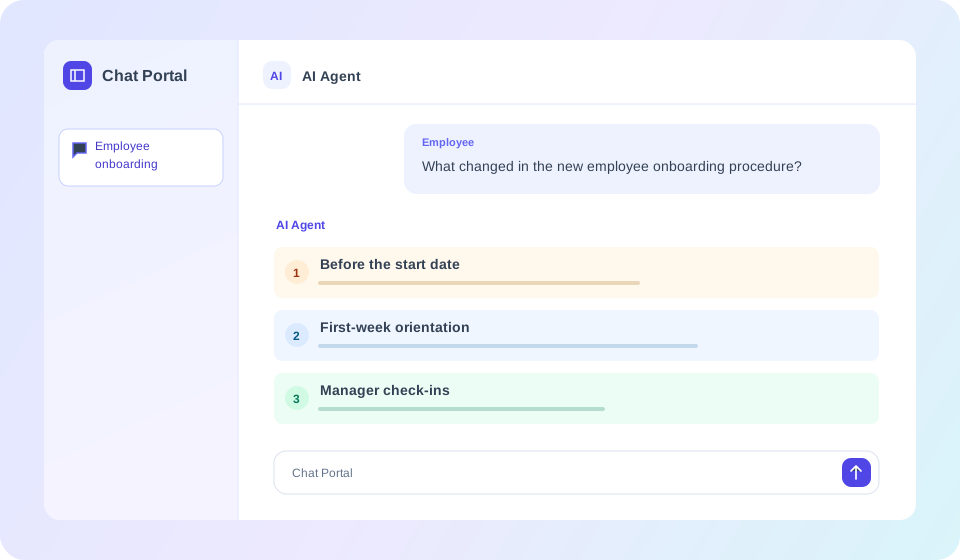
A dedicated page for longer conversations with your agent. Well suited to internal knowledge, learning, and detailed written answers.
ACROSS THE ORGANIZATION
Teams don't all need the same answers. Each department can work with an agent configured for its own information and tasks. Chat Portal provides a familiar way to reach that agent.
Explain employee policies, time-off procedures, benefits guidance, and onboarding steps from the materials provided to the agent.
What do new employees need to complete in their first week?
POWERED BY YOUR AGENT
Chat Portal is the conversation interface. In AskHandle, you build the agent, provide the relevant knowledge, and configure how it should respond and which workflows it should follow.
That distinction matters: an HR-focused agent can use HR guidance, while an operations agent can use operational procedures. You choose the information and instructions appropriate to each use case rather than relying on a general-purpose assistant to know your company.
Approved documents, text, and other supported knowledge sources made available to the agent.
Instructions, knowledge retrieval, and the relevant configured AskHandle capabilities.
A full-page interface where employees ask questions and review responses.
Information used in answers depends on the agent's configured sources and capabilities.
GETTING STARTED
Chat Portal can also be useful when testing how an agent handles questions before using it through other supported channels.
Create an AI agent in AskHandle and configure its role, behavior, and relevant knowledge.
Add the supported documents and data the agent should use. Review its instructions and the scope of the answers it should provide.
Access the full-page chat experience from your account. You don't need to install a website snippet.
Try representative questions, refine the agent, and share the portal link where appropriate for your organization's setup.
Chat Portal is a dedicated full-page conversation opened through a link. Website Messenger is a compact chat experience embedded on a website. Both can serve as channels for an AskHandle AI agent, but they fit different experiences.
Yes. An agent configured with the relevant supported knowledge can answer questions using the information made available to it. The quality and scope of answers depend on that information and the agent's configuration.
An appropriately configured agent can help draft written summaries, comparisons, and structured report content from accessible information. These outputs should be reviewed before use. Exportable files or automated report workflows are separate capabilities and should not be assumed from Chat Portal alone.
Yes. You can configure an agent around training materials, policies, and internal procedures so employees can ask questions and receive explanations or guided walkthroughs.
No website snippet is needed to open Chat Portal. You access its chat page through a link.
AskHandle supports using an agent across Chat Portal and other supported channels, including Website Messenger and WhatsApp. Configure each agent for the audience, information, and workflows it is meant to serve.
Build an AI agent around the information your employees use, then make it available through a dedicated Chat Portal experience.