
AskHandle Blog
What Java Updates Usually Contain and Why Programming Languages Keep Evolving
- Programming
- Software
- Update
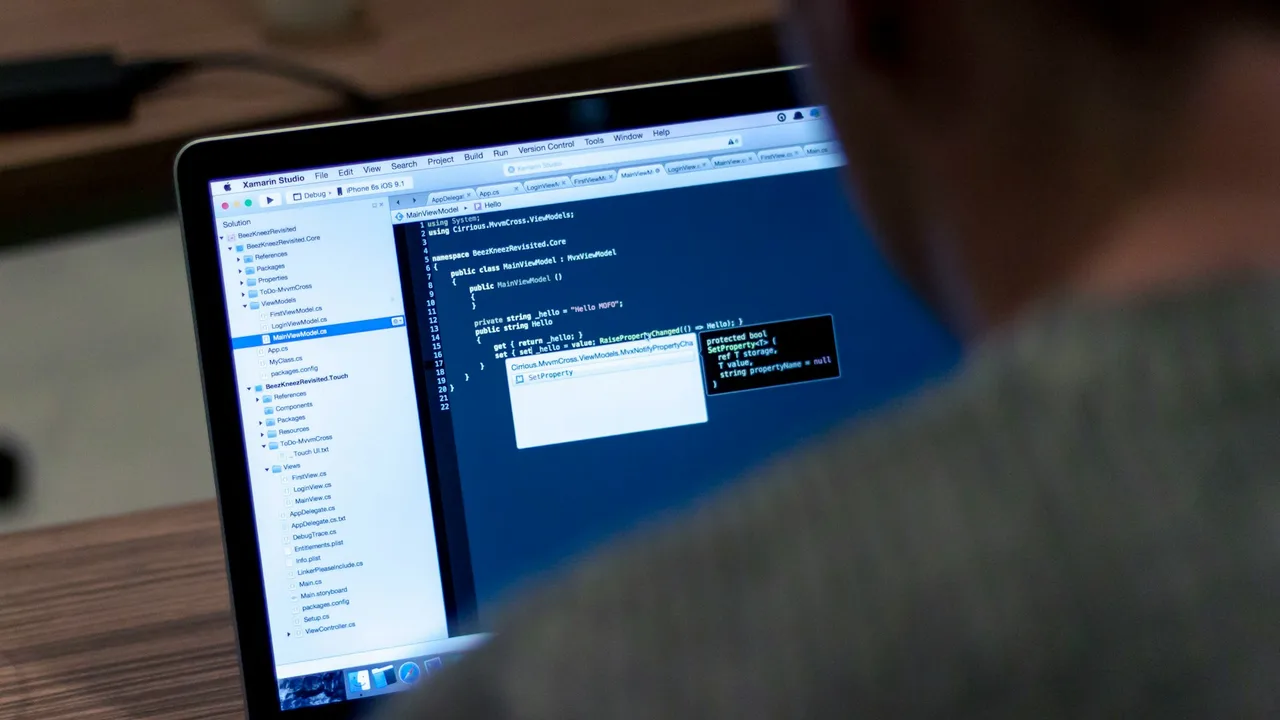
Java, like most widely used programming languages, receives regular updates because the environments where software runs do not stand still. New security threats appear, hardware changes, developer practices improve, and businesses need better ways to build and maintain large systems.
An update may be small, such as a security fix for a library, or substantial, such as a new language feature. Understanding the purpose of these releases helps teams decide when to upgrade and how to do so safely.
The Main Types of Java Updates
Java updates usually fall into several related categories. A single release can include more than one of them.
Security fixes
Security is one of the most important reasons for updates. Java applications often run on servers, desktops, cloud platforms, embedded devices, and development machines. A vulnerability in the Java runtime, standard library, compiler, or supporting tools can expose many applications at once.
Security updates may address problems such as:
- Code that could access memory or data it should not access
- Unsafe handling of certificates, encryption, or network connections
- Vulnerabilities in XML, serialization, or archive-file processing
- Denial-of-service issues that let an attacker exhaust CPU, memory, or connections
- Flaws that could allow untrusted code to do more than intended
For example, an application may use HTTPS correctly, but a defect in the runtime's TLS implementation could still create risk. Updating the Java Development Kit (JDK) can fix that issue without requiring the application team to rewrite its business logic.
Purpose: Reduce the chance that attackers can exploit known weaknesses.
Bug fixes and reliability improvements
No language implementation is completely free of defects. A Java update can correct errors in the compiler, virtual machine, standard APIs, garbage collector, debugging tools, or platform-specific behavior.
A bug fix might solve issues such as:
- A program crashing only under high concurrency
- Incorrect behavior when processing certain dates, locales, or character encodings
- A compiler generating inefficient or incorrect bytecode in an unusual case
- A memory-management issue that causes unexpectedly high memory usage
- Different behavior between operating systems or processor architectures
These fixes matter even when an application appears to work normally. A defect may only surface after traffic grows, a particular customer input arrives, or a deployment moves to a new operating system.
Purpose: Make applications more stable, predictable, and consistent.
Performance and runtime improvements
Java runs on the Java Virtual Machine (JVM), which includes components such as the just-in-time compiler and garbage collector. Improvements to these components can make existing applications faster or more efficient without changing their source code.
Typical performance-related updates include:
- Faster startup times for command-line tools, services, or serverless workloads
- Lower CPU use for common operations
- Better garbage collection behavior and shorter pause times
- Reduced memory consumption
- Improved support for modern processors and operating systems
- Better optimization of frequently executed code
For example, a service that previously pauses briefly during garbage collection may behave more smoothly after moving to a JDK with an improved collector or runtime optimization.
Purpose: Help software handle more work with the same infrastructure and provide a better user experience.
New language features
Some Java releases add syntax or programming constructs. These changes affect how developers write code rather than merely how the runtime executes it.
Examples of the kinds of language improvements Java has introduced over time include:
- More concise ways to represent data-oriented classes
- Improved pattern matching and type checks
- Better support for multi-line text
- Switch expressions that can return values more naturally
- Features that make concurrent programming easier to express
The goal is not to add novelty for its own sake. Language features are usually designed to remove repetitive code, prevent common mistakes, or make intent clearer.
For instance, if a feature lets developers represent an immutable data object with less boilerplate, a class may become easier to read and less likely to contain errors in manually written methods.
Purpose: Improve developer productivity, readability, and correctness.
Standard library updates
Java includes a large standard library for collections, networking, file handling, dates and times, concurrency, cryptography, and more. Updates may add APIs or refine existing ones.
Library changes can provide:
- New utility methods for common tasks
- Support for newer network protocols or cryptographic standards
- Better interfaces for files, processes, and operating-system features
- Improved date, time, locale, and Unicode handling
- Safer or more convenient concurrency utilities
A standard API is valuable because teams can use a well-tested capability without depending on a separate third-party package for every basic task.
Purpose: Give developers reliable, consistent building blocks for modern applications.
Support for new platforms and hardware
Java must continue to run well as operating systems, cloud environments, chips, and device architectures evolve. Updates can add compatibility or optimization for newer platforms.
This may include support for:
- New versions of Windows, Linux, or macOS
- New CPU architectures
- Containerized and cloud-based deployments
- Changes in operating-system security requirements
- Modern hardware capabilities
Without maintenance, an older runtime may eventually be difficult to install, unsupported by an operating system, or unable to take advantage of available hardware efficiently.
Purpose: Keep Java applications deployable and useful across current technology environments.
Developer tooling and observability
Java updates can also improve the tools used to build, test, profile, diagnose, and monitor applications.
Examples include improvements to:
- The Java compiler
- Debuggers
- Flight recording and performance analysis tools
- Logging and diagnostic output
- Documentation tools
- Packaging and deployment utilities
These changes may not alter what end users see, but they can significantly reduce the time required to find production issues or optimize a slow service.
Purpose: Make development and operations more efficient.
Why Updates Are Not Only About New Features
People sometimes think a new Java version matters only when it introduces visible syntax. In practice, many of the most valuable updates are invisible to application users and even to developers.
A release that contains no exciting new keyword may still be important because it:
- Fixes a serious security vulnerability
- Corrects a rare production crash
- Improves compatibility with a new operating system
- Reduces memory use in a busy service
- Updates cryptographic behavior to meet current standards
For organizations, these maintenance changes are often more important than language features.
Java Release Cadence and LTS Versions
Java has regular feature releases, along with selected long-term support (LTS) releases. LTS releases are commonly chosen by organizations that want a stable baseline with extended vendor support.
A practical approach is often:
- Use an LTS release as the primary production target.
- Apply the security and maintenance updates provided for that release.
- Evaluate newer Java releases in development or test environments.
- Plan a larger migration to a newer LTS version when it provides worthwhile benefits or when support for the current version is ending.
The exact support period depends on the JDK vendor and the distribution an organization uses. Teams should verify their vendor's support policy rather than assuming all Java distributions have identical timelines.
What an Update Means for Existing Applications
Java places strong value on backward compatibility, so many applications can run on a newer JDK with few or no code changes. However, compatibility is a goal, not a guarantee that testing can be skipped.
An upgrade can reveal issues such as:
- Dependencies that rely on internal JDK APIs
- Libraries that are too old for the target Java version
- Changed default security settings
- Removed deprecated capabilities
- Build plugins configured for an older compiler target
- Differences in timing, performance, or memory behavior
For example, an application might compile on an older Java version because it depends on an internal class. A later JDK may restrict access to that internal implementation. The appropriate fix is usually to use a supported public API or upgrade the dependency, rather than attempting to bypass the restriction.
A Safe Process for Applying Java Updates
Updating Java should be treated as a normal engineering activity, not as an emergency task delayed indefinitely.
Start with the release notes
Read the release notes for the target JDK version, especially sections covering:
- Security changes
- Removed or deprecated features
- Compatibility notes
- Known issues
- Changes to command-line tools and defaults
Focus on changes relevant to your deployment environment and application dependencies.
Test the application and its dependencies
Run automated tests using the target JDK. Include unit tests, integration tests, API tests, and performance checks where possible.
It is particularly useful to test:
- Database connections and transaction handling
- HTTPS and certificate validation
- File uploads and archive processing
- Character encoding and international text
- Background jobs and concurrent workloads
- Application startup and shutdown behavior
Update build and deployment pipelines
Ensure the same Java version is used intentionally across local development, continuous integration, test environments, and production. Unexpected differences between these environments can make problems difficult to reproduce.
For a Maven or Gradle project, also review compiler settings, test plugins, static-analysis tools, and container base images.
Roll out carefully in production
For important systems, deploy gradually when possible. Monitor error rates, response times, memory use, CPU use, and garbage collection behavior after the upgrade.
If a regression appears, the monitoring data should help distinguish between an application issue, a dependency incompatibility, and a runtime behavior change.
When Should a Team Upgrade?
The answer depends on risk, support requirements, and the value of the change, but a few rules are broadly useful.
Upgrade promptly when:
- A security update affects the JDK version in use
- Vendor support for the current JDK is ending or has ended
- A required operating system or platform change needs a newer JDK
- A known runtime bug affects production reliability
Plan an upgrade when:
- A newer LTS release is available and has been evaluated
- Important libraries are moving their minimum Java version forward
- Performance, startup time, or memory efficiency is a significant concern
- New language or library features would simplify active development
Avoid treating upgrades as optional forever. The longer a team waits, the more versions, dependencies, and compatibility changes accumulate, making the eventual migration larger and riskier.
The Bigger Purpose of Language Evolution
Programming languages are long-lived tools, but they operate in a changing ecosystem. Java updates exist to preserve trust in the platform while improving it over time.
The broad purposes are straightforward:
- Protect software through security fixes and updated standards
- Keep applications reliable through bug fixes and compatibility work
- Use computing resources better through runtime and performance improvements
- Help developers write safer code through clearer language and library features
- Support current platforms as hardware, operating systems, and deployment models change
For developers and engineering teams, the key lesson is that updates are not merely version numbers. They are part of maintaining software responsibly. A sensible update strategy combines regular security patching, thorough testing, and planned moves between major Java versions.