
AskHandle Blog
How does AI debug code?
- Debug
- Code
- AI
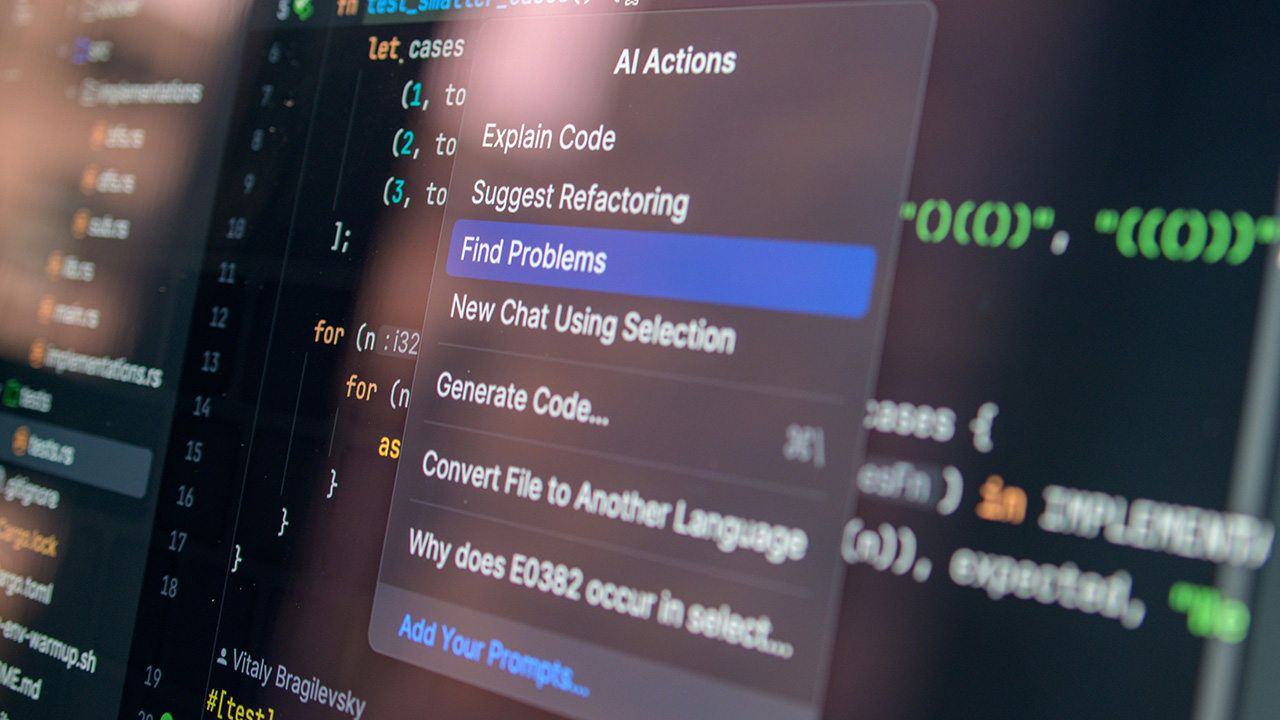
How does AI debug code?
AI-assisted debugging has become a practical part of day-to-day programming. Instead of replacing developers, it acts like a sharp second set of eyes that can scan code, predict likely causes of failures, and suggest fixes faster than manual trial-and-error. It works best when paired with clear problem statements, good tests, and developer judgment.
What “debugging” means for AI tools
Debugging is not only fixing crashes. It includes locating the source of wrong output, spotting performance bottlenecks, detecting risky patterns, and reducing the chance of future regressions. AI systems support these tasks by:
- Reading code and inferring intent from names, structure, and common idioms
- Comparing behavior against tests, logs, or error reports
- Ranking probable fault locations
- Suggesting code edits and verifying them against constraints (tests, types, linters)
How AI finds where the bug might be
Pattern learning from large code corpora
Many AI models are trained on large collections of source code. During training, they learn typical relationships such as “this API call usually needs a null check,” or “this loop is commonly off by one when the boundary looks like X.” When they see similar shapes in your code, they can flag suspicious sections.
Static analysis enhanced with ML
Traditional static analyzers use rules: “variable used before assignment,” “possible divide by zero,” “unreachable branch.” AI can complement this by prioritizing warnings. If a project has thousands of warnings, AI can learn which ones are most likely to be real defects based on past fixes, commit history, and context.
Trace and log interpretation
When you provide a stack trace, exception message, or log snippet, an AI system can map the failure back to code paths. It can also infer missing context, such as “this null pointer likely comes from configuration not loaded,” then point to the relevant initialization flow.
Test-failure localization
If unit tests fail, AI can correlate failing assertions with code changes, recent commits, and the execution path. It can propose where to look first, often narrowing the search to a few files or functions rather than the whole codebase.
How AI proposes fixes
Generating candidate patches
Once likely fault locations are identified, AI can produce candidate edits: adding boundary checks, correcting a condition, replacing a wrong API, fixing a race condition pattern, or adjusting types. Good tools produce multiple alternatives with brief reasoning, so a developer can choose the best fit.
Validating fixes with constraints
AI debugging is strongest when it can run or reason against constraints:
- Type checks: confirming that the patch compiles and respects function signatures
- Linters/formatters: maintaining style and preventing obvious issues
- Tests: verifying that existing tests pass and that the original failure is resolved
Some workflows also ask AI to write a new test that reproduces the bug first, then apply the fix until the test passes. This mirrors disciplined debugging habits.
Common debugging tasks AI helps with
Syntax and compilation errors
AI can explain compiler messages in plain language and point out the precise token or construct causing the issue, often suggesting the corrected syntax.
Logic errors
Logic bugs (wrong output but no crash) are where AI can speed things up by proposing hypotheses: incorrect comparison operator, wrong unit conversion, mistaken precedence, or misuse of a library function.
Concurrency and async issues
AI can spot patterns such as missing locks, unsafe shared state, double awaits, and non-atomic updates. It can also suggest safer constructs, like using immutable data, channels/queues, or proper synchronization primitives.
Performance regressions
Given profiling data or a slow function, AI can identify expensive calls inside loops, repeated allocations, unnecessary conversions, and missing caching. It can propose refactors while keeping behavior consistent.
Limits and risks to watch
AI suggestions can be plausible yet incorrect. It may “fix” symptoms rather than the true cause, or introduce edge-case regressions. Sensitive code can also be a concern if prompts contain secrets, credentials, or proprietary logic. Best practice is to treat AI output as a draft:
- Review patches like any human-authored change
- Require tests, code review, and static checks
- Add a minimal reproduction case for tricky bugs
- Verify security implications (input validation, auth, data handling)
A practical workflow for using AI to debug
- Provide the error, stack trace, and the smallest code snippet that reproduces it.
- Ask for likely root causes ranked by probability.
- Request a minimal fix plus a test that fails before and passes after.
- Run tests and review the diff for correctness and style.
- If the issue persists, share updated logs and repeat with tighter context.
Used this way, AI becomes a steady assistant: quick at spotting patterns, helpful at generating options, and most effective when guided by clear evidence and verification.