
AskHandle Blog
How does a QR code work?
- Pattern
- QR
- Data
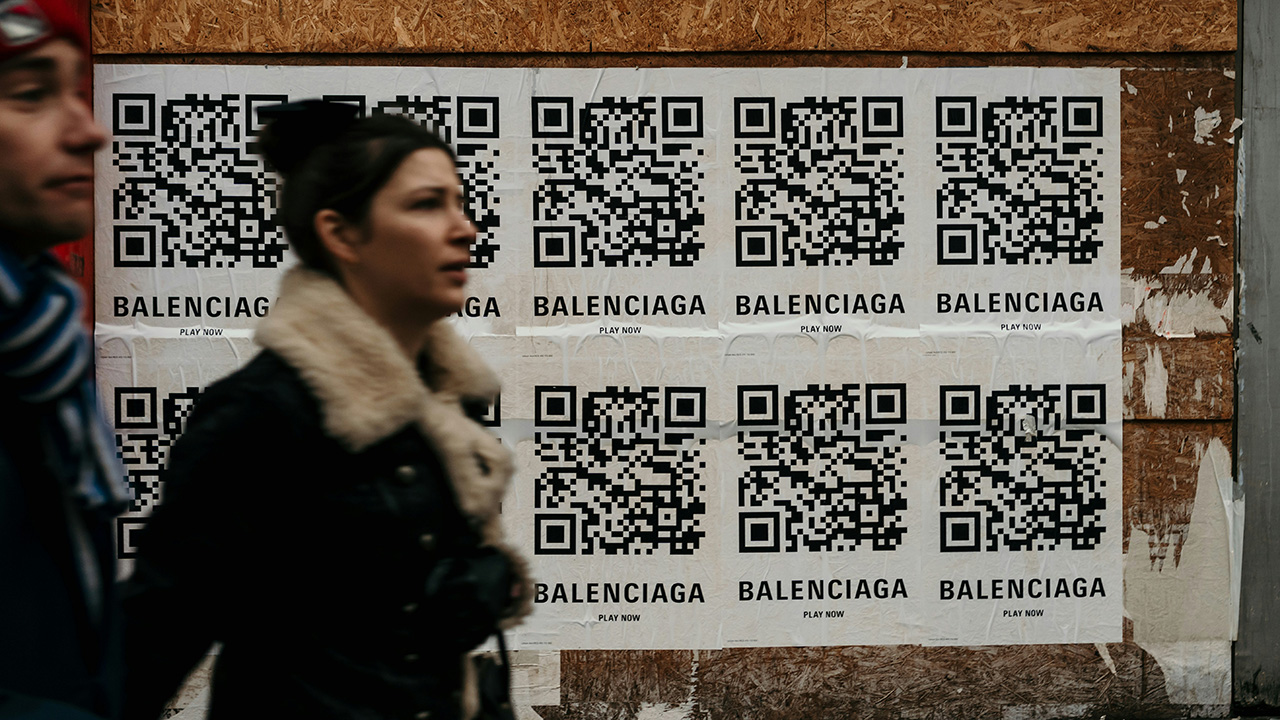
How does a QR code work?
QR codes look like simple black-and-white squares, yet they carry structured data that a camera can decode in a fraction of a second. When you point your phone at a QR code, the camera captures an image and software interprets the pattern into text, a URL, Wi‑Fi credentials, payment details, or other data. The process can feel “visual,” but it is mostly computational pattern recognition rather than human-like visual cognition.
What is a QR code?
A QR code (Quick Response code) is a two-dimensional barcode defined by an international standard (ISO/IEC 18004). Unlike traditional barcodes that store data along one line, a QR code stores bits across a square grid of tiny blocks called modules.
Each module represents a binary value (black = 1, white = 0). The entire symbol is a carefully arranged map of data bits, control information, and built-in redundancy.
QR codes come in different versions, which define the grid size:
- Version 1: 21 × 21 modules
- Each higher version adds 4 modules per side
- The largest standard version (40) is 177 × 177 modules
Larger versions hold more data.
What is a QR code made of?
Not all squares in a QR code store “your message.” Many are structural and make fast, reliable scanning possible.
-
Finder patterns The three large squares in three corners. They allow the scanner to instantly locate the code and determine its orientation and approximate scale.
-
Alignment patterns Smaller squares inside the code (more appear in larger versions). They help correct perspective distortion if the code is tilted, curved, or printed on uneven surfaces.
-
Timing patterns Alternating black/white lines between finder patterns. They act like a ruler, letting the scanner measure the spacing of the grid.
-
Format and version information Small reserved areas that encode the error-correction level and mask pattern (and version number in larger codes).
-
Quiet zone The blank margin around the code. This clear border separates the symbol from its background so edges can be detected reliably.
-
Data and error-correction modules All remaining squares. These contain the actual encoded message plus redundancy used to fix mistakes.
What happens when you scan with a camera?
Scanning is a pipeline of computer-vision and decoding steps:
-
Capture The camera records an image. Autofocus and exposure try to make edges sharp and high-contrast.
-
Preprocessing The image is converted to grayscale, contrast is enhanced, and noise may be reduced.
-
Detection The software searches for the distinctive finder patterns. When it finds three in the correct arrangement, it concludes a QR code is present.
-
Geometric correction From the positions of the finder and alignment patterns, the scanner estimates the code’s corners and warps the image so the grid becomes a perfect square again.
-
Grid sampling Using the timing patterns and known QR layout, the decoder samples the center of each module and classifies it as black or white.
-
Bitstream extraction The black/white pattern is converted into a long sequence of bits, following the QR code’s zigzag reading order.
-
Error correction and unmasking The mask pattern is removed, and Reed–Solomon algorithms detect and fix errors.
-
Data decoding The corrected bitstream is interpreted according to QR encoding rules, producing text, numbers, or binary data.
-
Action The phone recognizes the data type (URL, Wi-Fi config, payment payload, etc.) and offers an appropriate action.
How information becomes squares
Before a QR code ever exists as an image, your data goes through several encoding stages:
-
Mode selection The encoder chooses a mode (numeric, alphanumeric, byte, or Kanji) to represent your data efficiently.
-
Binary encoding Characters are converted into bits according to that mode.
-
Metadata added Bits are prepended that describe the mode and the length of the data.
-
Error-correction generation Reed–Solomon algorithms compute extra check symbols and append them to the data.
-
Placement into the grid The complete bitstream is written into the QR grid in a fixed zigzag pattern that avoids the structural areas.
-
Masking One of eight possible mask patterns is applied to balance black and white modules and avoid problematic visual patterns.
The result is the final black-and-white symbol.
Modes and capacity
QR codes support several data modes:
- Numeric – digits only (most compact)
- Alphanumeric – digits, capital letters, and limited symbols
- Byte – general text and binary data (often UTF-8)
- Kanji – optimized for certain Japanese characters
Capacity depends on version and error-correction level. For example, a large QR code at low error correction can hold thousands of digits or several kilobytes of binary data, while a small, highly robust code may only hold a short URL.
Error correction: why damaged codes still scan
QR codes use Reed–Solomon error correction, the same family of techniques used in CDs, DVDs, and satellite communication.
Instead of only storing the message, the code stores extra mathematical check symbols. During decoding, the scanner can:
- detect which parts are wrong
- reconstruct missing or corrupted bits
- recover the original message as long as the damage is within the designed limit
There are four standard error-correction levels (L, M, Q, H), trading data capacity for robustness. At the highest level, up to about 30% of the symbol can be destroyed and still be readable.
Why masking matters
If a QR code contained large solid blocks or repetitive stripes, cameras might confuse them with backgrounds, edges, or textures. To avoid this, one of eight mask patterns is applied.
A mask flips certain modules according to a simple formula. The encoder tests all masks and chooses the one that produces the most visually balanced result. The chosen mask is recorded in the format information, so the scanner knows exactly how to reverse it.
A simple end-to-end example
Suppose the data is:
1https://example.com- The encoder chooses byte mode.
- Each character is converted into binary.
- Error-correction symbols are computed and appended.
- All bits are written into the grid around the finder, alignment, and timing patterns.
- A mask is applied to optimize the visual structure.
When you scan it:
- your phone finds the finder patterns,
- straightens the image,
- samples the modules,
- removes the mask,
- fixes any errors,
- rebuilds the original bitstream,
- decodes it back into the URL,
- and offers to open the link.
Why QR codes scan so quickly
QR codes were engineered for speed and reliability: bold location markers, built-in orientation cues, grid-based sampling, and strong error correction. Combined with modern cameras and optimized decoding libraries, this design lets devices detect, decode, and validate a symbol in milliseconds—even from imperfect images.